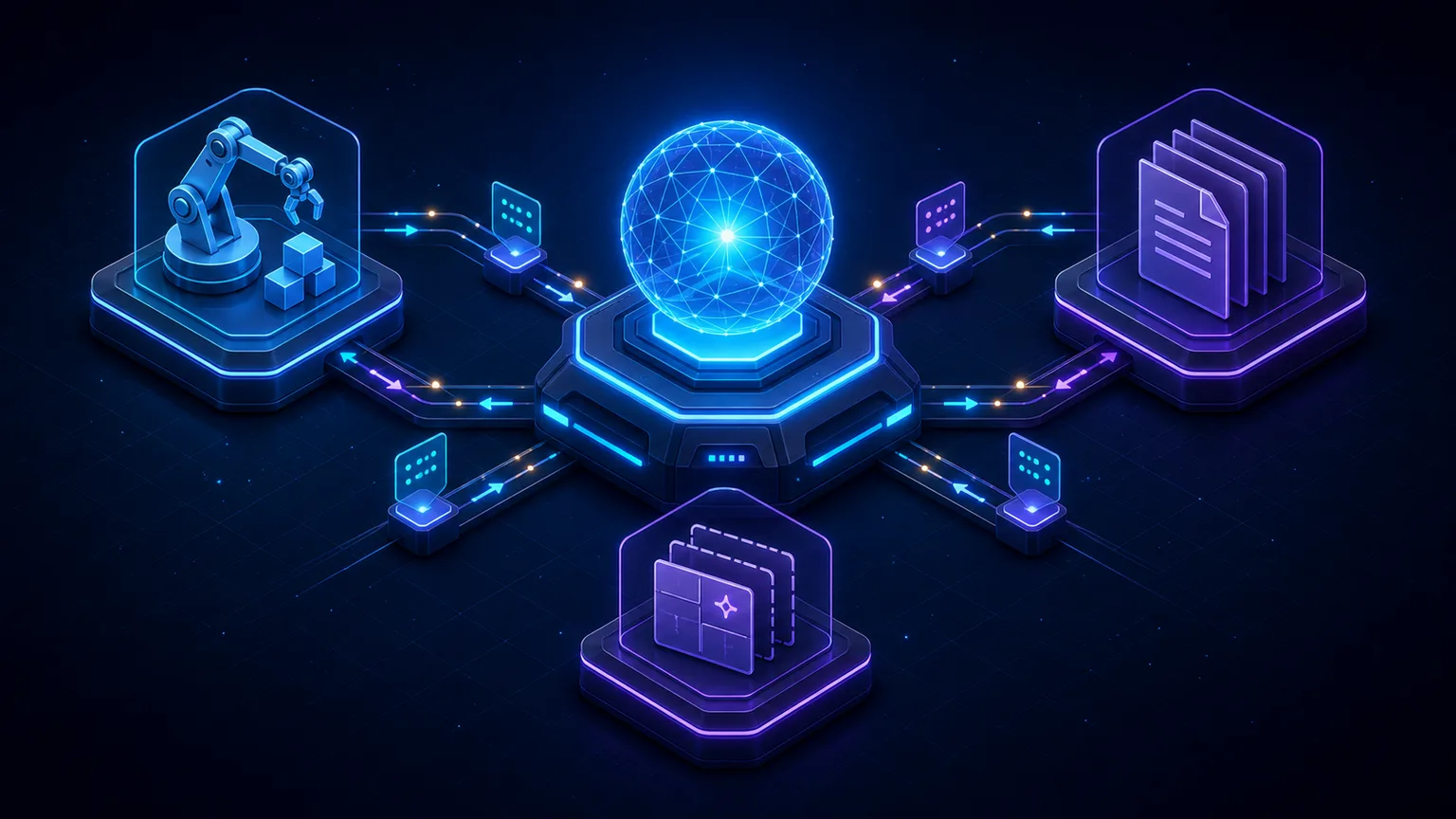
Model Context Protocol (MCP) standardizes a boundary that every tool-using AI system otherwise has to invent: how an application describes available capabilities, invokes them, returns results, exchanges contextual data, and keeps security decisions with the host. It does not define one model, vendor, programming language, or database.
That distinction matters. MCP is not a directory of every AI tool, an automatic agent, or a security sandbox. It is a protocol. Implementations can use it to connect a coding assistant to a repository service, a support agent to a ticket system, or a desktop application to local tools without inventing a new integration format for every pairing.
The host-client-server architecture still exists — but the protocol is stateless
The current architecture still separates three roles. What changed is not the existence of hosts, clients, and servers; it is where protocol state lives. Every request is self-contained and carries its protocol version and client capabilities.
| Role | What it owns | Typical responsibilities in 2026-07-28 |
|---|---|---|
| MCP host | The user-facing AI application | Model integration, consent, authorization decisions, context aggregation, policy, and management of multiple client instances. |
| MCP client | Communication with exactly one server | Attaching protocol metadata and capabilities to requests, routing messages, managing subscriptions and notifications, and preserving the security boundary between servers. |
| MCP server | A focused set of external capabilities | Exposing tools, resources, and prompts; advertising supported capabilities; returning complete or input-required results; respecting the server security boundary. |
A host may manage several clients, and each client communicates with one particular server. That one-to-one relationship remains useful for isolation, but it no longer implies a protocol-level session. A repository server does not automatically gain access to another server's credentials or data merely because the same host can use both.
What happens during an MCP request now?
- The host chooses a server and client instance. A local server may run as a child process; a remote server may be available through Streamable HTTP.
- The request carries its own protocol metadata. The 2026-07-28 model puts protocol version, client identity, and client capabilities in per-request metadata instead of relying on an earlier initialization exchange.
- Discovery is optional for the client. A client may call
server/discoverfirst to learn supported versions, capabilities, and server identity, or it may make another RPC directly and handle version errors. - The client lists or invokes a capability. Tool, resource, and prompt lists are deterministic and may include cache hints. A tool call carries its name, arguments, and request metadata.
- The server returns a completed result or asks for more input. A completed tool result uses
resultType: "complete". When more user/client input is required, Multi Round-Trip Requests can returnresultType: "input_required"and the client retries with the requested responses. - Subscriptions and cancellation have explicit transport behavior. The modern protocol does not depend on a permanently open bidirectional session just to support lifecycle events.
This matters operationally. Stateless protocol requests can be handled by ordinary horizontally scaled infrastructure without sticky protocol sessions or a shared session store. Applications may still be stateful, but that state should be explicit—for example, a tool can return a basket, browser, or transaction handle that is supplied again on later calls.
Tools, resources, and prompts are not the same thing
Tools: operations the model can invoke
An MCP tool has a name, description, and JSON Schema input definition. In 2026-07-28, tool schemas default to JSON Schema 2020-12. A tool may also declare an outputSchema, and a completed result may return structuredContent that must conform to that schema when the output schema is present.
structuredContent can be any JSON value allowed by the tool's schema. For backwards compatibility, MCP recommends also returning a serialized representation in a text content block. Tool descriptions and annotations still need a trust model: clients must not treat an annotation such as “read-only” from an untrusted server as proof of behavior.
Resources: context the application can read
Resources represent addressable context such as documents, repository files, database schemas, or application state. Servers can expose individual resources and URI templates. A resource is not simply a tool with no arguments: it represents data the application can discover and read rather than an operation the model requests.
Prompts: reusable interaction templates
Prompts are reusable server-provided message templates or workflows, often with arguments. They can give hosts a consistent way to present actions such as “Review this pull request” or “Summarize this incident” while leaving presentation and model policy with the host.
Multi Round-Trip Requests replace the old assumption of server-initiated RPCs
The 2026-07-28 core no longer depends on servers initiating JSON-RPC requests over a held-open protocol session. When a tool needs additional user or client input, Multi Round-Trip Requests let the server return an input-required result and let the client retry the original operation with explicit responses.
Roots, Sampling, and protocol-level Logging are deprecated as of 2026-07-28. They remain available during the deprecation window for compatibility, but new designs should not build their architecture around those features. This is a good example of why MCP guidance should name the specification revision it describes.
stdio and Streamable HTTP in the stateless protocol
MCP uses JSON-RPC messages, while the transport binding determines framing and delivery:
- stdio uses newline-delimited messages over the standard streams of a client-launched subprocess. Protocol output belongs on stdout; ordinary diagnostics belong on stderr.
- Streamable HTTP sends each message as an HTTP POST to a single MCP endpoint. A reply can be a JSON object or a request-scoped Server-Sent Events stream. Protocol metadata remains in the request body and selected values are mirrored into headers such as the protocol version, method, and tool name so infrastructure can route or inspect requests without parsing JSON.
The important 2026 distinction is what is not required: a remote request no longer depends on the old Mcp-Session-Id protocol session. That removes one reason for sticky routing. It does not remove authentication, application state, authorization, observability, timeouts, or careful resource management.
“Local” and “safe” are not synonyms. A local process still runs with an operating-system identity and may access valuable files or execute dangerous operations. “Remote” does not automatically mean public; a remote server may be private and strongly authorized.
MCP security: the protocol is not the sandbox
MCP can make boundaries explicit, but it cannot guarantee that every server, tool, input, or returned document is trustworthy. A production design should apply several layers:
- Informed consent. Explain what data will be read, what action will occur, and where information will be sent.
- Least privilege. Expose the smallest useful capability set and grant only the scopes, files, network access, or accounts required.
- Per-operation policy. Access to one server or tool catalog is not blanket authorization for every destructive or external action.
- Input and output validation. Validate tool arguments against their schemas and validate structured results when an
outputSchemaexists. - Credential isolation. Keep tokens out of model context and logs; validate authorization issuer/audience rules and avoid blindly forwarding credentials upstream.
- Prompt-injection defenses. A document returned as a resource can contain hostile instructions. Content does not become trusted merely because it arrived through MCP.
- Runtime containment. Use operating-system permissions, sandboxes, network controls, timeouts, resource limits, and auditing according to the risk.
The 2026-07-28 release also hardens authorization and deprecates Dynamic Client Registration in favor of Client ID Metadata Documents. This is another area where implementers should use the current specification and maintained SDKs rather than copy an older OAuth flow from a blog post.
When should you use MCP?
MCP is attractive when an AI host needs to discover capabilities from independently maintained servers, present a consistent integration experience, or connect local and remote capabilities through a shared protocol. The stateless revision makes remote MCP easier to fit behind ordinary scalable HTTP infrastructure.
A direct API may still be simpler when one application controls both sides and already has a stable typed client. A command-line interface may be the smallest boundary for local automation when the agent already has a terminal. These choices compose: an MCP server may call an API or wrap a carefully selected CLI.
Our detailed MCP vs CLI vs API comparison examines discovery, transport, permissions, portability, and operational cost. The useful question is not which interface is fashionable; it is which boundary reduces complexity without giving up the guarantees your workload needs.
Where QZX fits: MCP can carry QZX Result Contract without becoming QZX
QZX (Quick Zap Exchange) is currently a CLI, not an MCP server. Terminal-capable agents can invoke QZX directly and request structured JSON. QZX Result Contract v1 defines a small transport-independent result envelope with explicit success, a useful message, and additive domain evidence.
The useful structured-output primitives did not begin with 2026-07-28: MCP 2025-06-18 already provided tool outputSchema, structuredContent, and isError. That lets an unrelated MCP tool keep its own name, inputs, permissions, runtime, and domain fields while adopting the QZX completed-result semantics. QZX therefore supports revision-specific profiles for 2025-06-18, 2025-11-25, and 2026-07-28 instead of forcing a compatible server to upgrade solely for QZX. MCP remains the protocol; QZX Result Contract describes the completed operation result.
MCP tool definition
  └─ outputSchema → canonical QZX schema or reviewable structural core

Completed tool call · all supported revisions
  ├─ structuredContent → { success, message, ...domain evidence }
  └─ isError ↔ !success

MCP 2026-07-28 only
  └─ resultType: "complete"
QZX publishes dependency-free validation and fixtures for all three profiles. Conformance receipts also record whether outputSchema embeds the canonical schema or uses the weaker SDK-portable structural_core mode, so the claim remains reviewable instead of flattening different schema relationships into one badge. The project is explicitly seeking its first independently reviewable implementation or pilot; QZX itself is not counted as independent adoption.
A practical 2026 evaluation checklist
- Which MCP specification revision does the implementation actually support?
- Does it understand the stateless 2026-07-28 request model, or is it intentionally using a legacy handshake for compatibility?
- Is the server maintained by a party you trust, and can you inspect what it exposes?
- Are tools, resources, and prompts focused rather than unnecessarily broad?
- Does the host show clear consent for data access and consequential actions?
- Are input schemas and declared output schemas actually validated?
- Can you test successful results, tool execution errors, protocol errors, timeouts, cancellation, and input-required flows separately?
- Would a direct API or CLI solve the same problem with fewer moving parts?
Frequently asked questions
What is Model Context Protocol?
Model Context Protocol, or MCP, is an open client-host-server protocol for connecting AI applications to tools, resources, prompts, and related capabilities through a shared message model. In the 2026-07-28 revision, the core protocol is stateless and every request carries its own protocol metadata and client capabilities.
Did MCP remove clients and servers when it became stateless?
No. Hosts still manage client instances and each client communicates with one server. “Stateless” means the protocol no longer depends on the old initialization handshake and protocol-level session for subsequent requests.
What replaced the MCP initialize handshake?
Each request now carries the protocol version, client identity, and client capabilities in request metadata. A client may call server/discover first when it wants supported versions and server capabilities up front, but discovery is optional for the client.
What are outputSchema and structuredContent?
An MCP tool may declare a JSON Schema outputSchema. When it does, the server must return structuredContent that conforms to it. In 2026-07-28 the schema defaults to JSON Schema 2020-12 and structured content may be any JSON value allowed by that schema.
Which transports does MCP use?
The standard bindings are stdio for client-launched local subprocesses and Streamable HTTP for networked communication. Streamable HTTP uses one MCP endpoint and request-scoped HTTP/SSE behavior rather than a required protocol session.
Does MCP make AI tools safe automatically?
No. MCP is an interface, not a sandbox. Consent, least privilege, authorization, validation, isolation, secure credentials, and prompt-injection defenses still belong to the implementation.
Is QZX an MCP server?
No. QZX is currently a CLI. Separately, QZX Result Contract v1 can be used as the completed-result schema inside an MCP tool without turning that tool into QZX.
Primary sources and further reading
- MCP 2026-07-28 specification: architecture
- MCP 2026-07-28 specification: transports
- MCP 2026-07-28 specification: tools, outputSchema, and structuredContent
- MCP maintainers: what changed in the 2026-07-28 specification
- SEP-2577: deprecate Roots, Sampling, and Logging
- QZX Result Contract v1: MCP interoperability profile
- QZX guide: MCP vs CLI vs API for AI agents