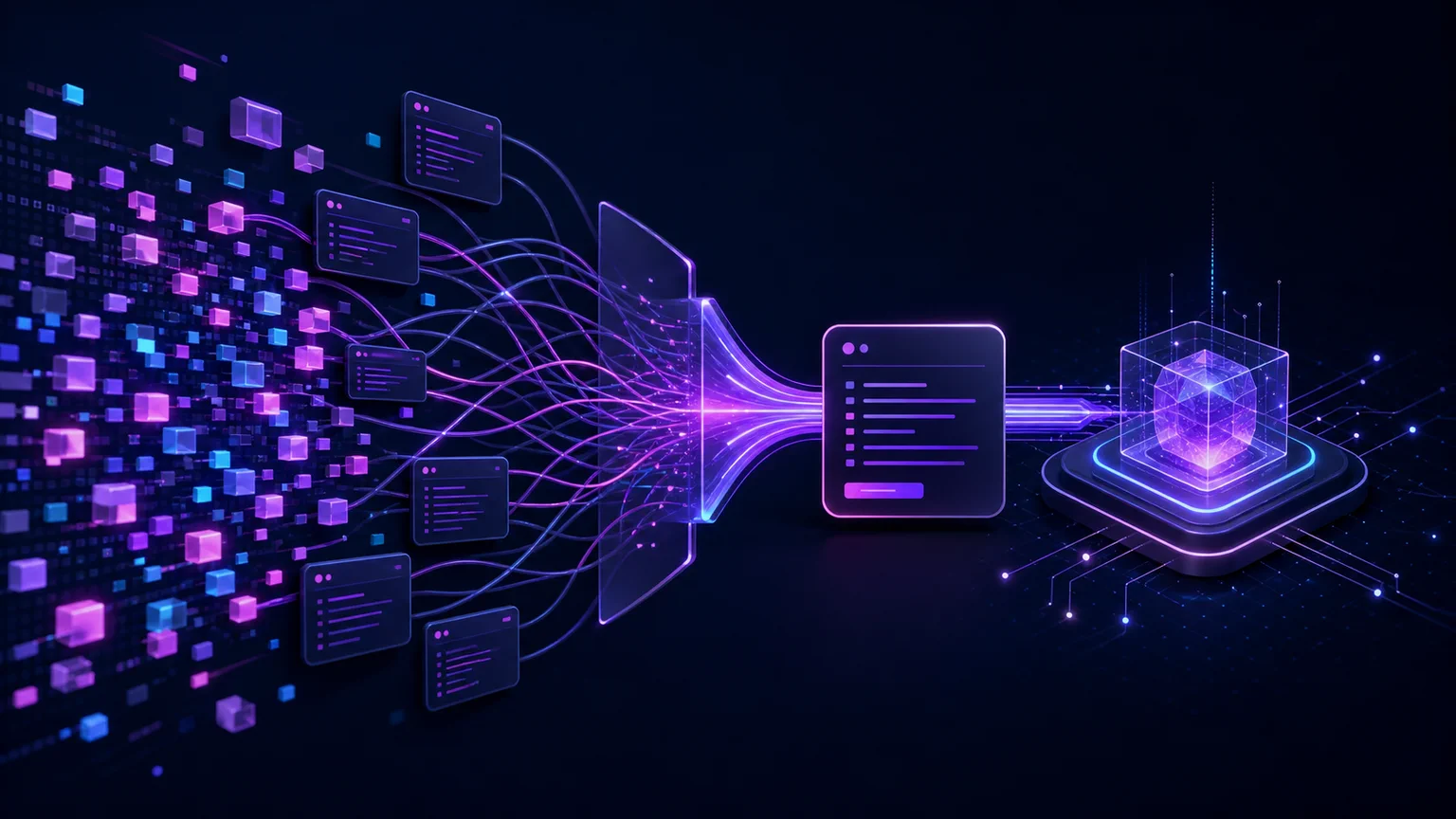
For a single chat, the cost may be tiny. For an AI coding agent that repeatedly inspects files, executes commands, reads results, corrects mistakes, and resubmits its growing conversation history, the same task can consume tens or hundreds of thousands of tokens.
QZX does not change an AI provider's token prices, compress prompts, or make models inherently cheaper. Its potential advantage is different: it can give agents richer, predictable information through fewer cross-platform tool calls, reducing unnecessary exploration rounds.
What is an AI token?
A token is a chunk of text recognized by a model's tokenizer. It may be:
- A complete word.
- Part of a word.
- Punctuation.
- Whitespace.
- A number.
- A fragment of source code.
The exact token count depends on the model, language, formatting, and content. English prose often requires fewer tokens than text containing unusual words, identifiers, encoded data, or source code.
As a rough English estimate, one token is approximately four characters or three-quarters of a word. Google documents a similar range of roughly 60 to 80 English words per 100 tokens. These are planning estimates, not guaranteed conversions. See the official token guides from OpenAI and Google.
How many words are in 1,000 tokens?
| Tokens | Approximate English words |
|---|---|
| 100 | 75 |
| 1,000 | 750 |
| 10,000 | 7,500 |
| 100,000 | 75,000 |
| 1,000,000 | 750,000 |
Code, JSON, tables, file paths, logs, and non-English languages can produce substantially different ratios.
Input tokens, output tokens, cached tokens, and reasoning tokens
A model request can contain several billable categories.
Input tokens
Input tokens include the information sent to the model:
- The user's request.
- System and developer instructions.
- Conversation history.
- Source code.
- Tool descriptions and schemas.
- Results returned by previous tool calls.
- Files or retrieved document content.
In an agent workflow, the input may grow after every step because the model receives additional messages and tool results.
Output tokens
Output tokens are generated by the model. They can include:
- The final response.
- Source code.
- Tool-call arguments.
- Structured JSON.
- Intermediate agent messages.
- Explanations or summaries.
Providers commonly charge more for output tokens than for input tokens.
Cached input tokens
Some providers discount stable prompt prefixes that have already been processed. Caching can reduce the cost of repeatedly sending:
- Long system instructions.
- Tool definitions.
- Repository documentation.
- Reused conversation prefixes.
- Large reference documents.
Caching does not make all repeated context free. Eligibility, expiration, cache-write pricing, and discounts vary by provider.
Reasoning or thinking tokens
Some models use additional internal tokens while solving a task. Depending on the provider and model, these may be reported separately or included in output billing.
Tool-related usage
Hosted search, code execution, retrieval, and other provider-managed tools may have separate fees. Even when a local terminal command has no provider fee, the messages surrounding that command still consume tokens.
OpenAI distinguishes categories such as input, cached input, output, and reasoning usage. Google also documents prompt, response, thought, cached-content, and tool-use token accounting.
How to calculate AI token cost
A simplified calculation is:
input cost =
    input tokens ÷ 1,000,000 × input price

output cost =
    output tokens ÷ 1,000,000 × output price

estimated request cost =
    input cost
    + output cost
    + cache costs
    + reasoning costs
    + tool fees
For an illustrative example that is not tied to any current provider or model, suppose a request uses:
- 100,000 input tokens.
- 10,000 output tokens.
- An input rate of $2.50 per million tokens.
- An output rate of $15 per million tokens.
The calculation is:
Input:  100,000 ÷ 1,000,000 × $2.50 = $0.25
Output:  10,000 ÷ 1,000,000 × $15.00 = $0.15

Total: $0.40
The more useful production metric is:
cost per successful task =
    total cost of all attempts, retries, and tool rounds
    ÷ number of successfully completed tasks
A model with a lower advertised token price can still be more expensive if it requires more retries, longer prompts, additional supervision, or more tool calls.
How to verify current AI token pricing
Exact rates age quickly. Before estimating a workload, use the provider's current official pricing page and verify all of these dimensions:
- The exact model and version.
- Input, cached-input, output, and reasoning or thinking categories.
- Context-length surcharges and processing tiers.
- Batch, caching, or promotional discounts and their effective dates.
- Separate charges for hosted tools such as search or code execution.
Check the official pages from OpenAI, Anthropic, and Google, then insert those verified rates into the formula above. Do not treat an old comparison table, screenshot, or search snippet as a purchasing source.
Why AI agents can consume so many tokens
A normal chatbot may answer after one model request. An autonomous agent often operates as a loop:
- Read the request and available context.
- Decide which tool or command to use.
- Generate the tool call.
- Receive the tool result.
- Process the conversation again.
- Decide on another action.
- Repeat until the task is complete.
A coding agent might begin by asking:
Where am I?
Which files are here?
How large is the repository?
Which files were modified recently?
Which directories should be ignored?
Where are the Python files?
Each answer may be small, but every new agent round can require the model to process some or all of the following again:
- The original task.
- System instructions.
- Tool definitions.
- Previous messages.
- Previous terminal output.
- Repository rules.
- Newly discovered information.
The OpenAI Agents SDK, for example, aggregates usage across model calls, tool calls, and handoffs. Session history can also cause previous messages to be supplied again in subsequent requests.
This repeated discovery has a cost beyond the terminal command itself.
The terminal discovery tax
Traditional shell commands are excellent for humans who already know:
- The operating system.
- The shell.
- The command syntax.
- The current directory structure.
- Which combination of utilities will produce the desired result.
An AI agent may need to discover those details incrementally.
A typical exploration sequence could involve commands equivalent to:
pwd
ls
find
du
stat
sort
head
The agent may also need different syntax for Windows, Linux, macOS, PowerShell, Bash, or other environments.
The direct shell execution may be fast and free. The expensive part can be the surrounding agent loop:
- Selecting the command.
- Escaping its arguments.
- Correcting incompatible syntax.
- Parsing unstructured output.
- Receiving excessive results.
- Calling another command to obtain missing context.
- Resending conversation history to the model.
QZX is designed to provide a consistent command interface for common system and filesystem operations across supported platforms.
How QZX can reduce AI-agent token usage
Consider this QZX command:
qzx getCurrentDirectory --details --limit 10 --jsonInstead of returning only the current path, the detailed mode can provide a broader snapshot that includes information such as:
- The current directory.
- An immediate directory preview.
- Recursive analysis.
- File-extension summaries.
- Large files.
- Recently modified files.
- Permission information.
- Capacity information.
The --limit option constrains the result, while --json gives an agent predictable structured output. See the complete getCurrentDirectory reference.
For the right task, one such call may replace several rounds of directory inspection.
That does not mean the detailed command should always be used. When the agent needs only the current path, the smaller command is preferable:
qzx getCurrentDirectory --jsonThe objective is not to return the maximum possible information. It is to return the smallest sufficient result for the task.
Finding files without a long exploration sequence
An agent that needs Python files can use:
qzx findFiles . "*.py" -r --jsonAn agent looking for unresolved work markers can use:
qzx findText "TODO" src -r --jsonQZX file-search commands support filters that can narrow results by characteristics such as pattern, depth, type, size, date, content, exclusions, sorting, and limits. Restricting the search before returning results is usually better than sending a huge directory listing to the model and asking it to filter the data afterward. See the findFiles reference and the findText reference.
Why predictable output can matter
Shell output often varies according to:
- Operating system.
- Shell.
- Locale.
- Installed utility version.
- Terminal width.
- User configuration.
- Permissions.
- Aliases and formatting options.
An agent may need additional reasoning or fallback logic to interpret these variations.
QZX uses human-readable output by default and can return complete JSON objects for programmatic consumers. Its structured responses include fields such as success and message, giving agents a more stable contract than arbitrary terminal text.
Structured JSON is not automatically smaller than human-readable output. Its value is predictability.
Predictability can reduce:
- Parsing mistakes.
- Platform-specific branches.
- Follow-up clarification calls.
- Commands issued only to confirm an earlier result.
- Recovery attempts after malformed shell syntax.
A hypothetical token-savings example
Suppose an agent processes approximately 8,000 input tokens during each decision round because its request includes instructions, tool definitions, recent conversation history, and repository context.
Workflow A: five discovery rounds
5 rounds × 8,000 input tokens = 40,000 input tokensWorkflow B: two information-rich rounds
2 rounds × 8,000 input tokens = 16,000 input tokensDifference
40,000 − 16,000 = 24,000 fewer input tokensAt an input price of $2.50 per million tokens:
24,000 ÷ 1,000,000 × $2.50 = $0.06 saved per taskAt scale:
| Completed tasks | Illustrative input-cost difference |
|---|---|
| 1,000 | $60 |
| 10,000 | $600 |
| 100,000 | $6,000 |
This is an illustration, not a QZX benchmark or savings guarantee. Real results depend on context size, caching, model selection, output length, retries, command behavior, and whether QZX actually reduces the number of agent rounds for the measured task.
When QZX may not save tokens
QZX does not make every request cheaper and is not automatically more efficient in every situation.
A minimal native command can be more efficient when:
- The agent already knows the exact platform and syntax.
- Only one tiny value is required.
- The native result is already predictable.
- No follow-up interpretation is necessary.
- QZX would return information that the agent does not need.
For example, requesting detailed directory analysis when only the current path is needed would create unnecessary output.
JSON can also require more tokens than a short human-readable response because it contains field names, punctuation, and repeated structure.
Use the narrowest QZX command and options that answer the actual question.
Nine practical ways to reduce AI-agent token costs
1. Measure complete tasks, not isolated prompts
Track every request, retry, correction, tool call, and failed attempt required to finish the job.
2. Reduce unnecessary model-tool rounds
Prefer one appropriately scoped command over several commands that reveal context incrementally.
3. Limit command output
Use search filters, depth restrictions, exclusions, and result limits. Do not send thousands of irrelevant paths or log lines to the model.
4. Request structured output when structure prevents retries
JSON is valuable when it makes parsing reliable. It is not valuable merely because JSON is available.
5. Avoid requesting detailed information prematurely
Start with the smallest sufficient command. Add details only when the next decision genuinely requires them.
6. Reuse stable context through provider caching
System instructions, tool definitions, and stable project documentation may be suitable for prompt caching when the provider supports it.
7. Remove obsolete tool results from active context
A directory listing that has already served its purpose does not necessarily need to remain in every subsequent model request.
8. Route simple decisions to less expensive models
A powerful model may be appropriate for architecture or difficult debugging, while a smaller model may be sufficient for classification, extraction, or routine validation.
9. Optimize for successful completion
A cheap model that repeatedly fails can cost more than an expensive model that completes the task correctly in fewer rounds.
How to benchmark QZX fairly
A useful benchmark should compare complete agent executions under the same conditions.
Keep the following constant:
- Model and model settings.
- System instructions.
- Initial conversation context.
- Repository or test environment.
- Task definition.
- Success criteria.
- Number and type of available tools.
Compare a native-command workflow against a QZX workflow and record:
- Number of model requests.
- Input tokens.
- Cached input tokens.
- Output tokens.
- Reasoning or thinking tokens.
- Tool calls.
- Failed commands.
- Retries.
- Total latency.
- Successful completion rate.
- Total cost.
- Cost per successful task.
Run the same task multiple times. Agent behavior can vary between executions, so a single run is not reliable evidence.
The strongest result is not:
QZX command output used fewer tokens.It is:
The QZX workflow completed the same task successfully
with fewer total tokens, fewer retries, or a lower total cost.
QZX is a command interface, not a sandbox
QZX commands run locally with the permissions of the current user. Structured output does not make a command safe, and cross-platform consistency does not replace authorization controls.
Agents should still operate with:
- Restricted operating-system accounts.
- Explicit command policies.
- Filesystem boundaries.
- Approval requirements for destructive actions.
- Logging and audit trails.
- External sandboxing when untrusted execution is involved.
QZX targets Windows, Linux, and macOS, but support evidence and command behavior can differ by platform. Review the commands you plan to use on the QZX compatibility page and verify them in your production environment.
Try QZX
Install the current published package:
python -m pip install --upgrade qzxStart with human-readable output:
qzx getCurrentDirectoryRequest structured output for an agent:
qzx getCurrentDirectory --jsonRequest a limited, information-rich directory snapshot:
qzx getCurrentDirectory --details --limit 10 --jsonThen run the same real task with and without QZX. Measure total model requests, tool calls, tokens, errors, and successful completion cost rather than assuming that either workflow is better.
Explore the QZX command catalog and see QZX output in action. QZX is distributed as an open-source Python command-line package on PyPI.
Frequently asked questions
What is a token in artificial intelligence?
A token is a unit of text processed by a language model. It can represent a word, part of a word, punctuation, whitespace, a number, or a fragment of code.
How many words are 1,000 tokens?
A common approximation for English prose is about 750 words. The actual number varies by model, language, formatting, and content.
How much does one million AI tokens cost?
There is no universal price. Providers charge different amounts according to the model, input and output category, context size, caching, processing tier, and tools used.
Are input and output tokens priced the same?
Usually not. In many current APIs, output tokens cost considerably more than input tokens.
Why do AI agents use more tokens than normal chats?
Agents commonly perform several model-tool-model loops. Each round can include the original instructions, tool definitions, conversation history, and previous command results.
Does QZX lower the provider's token price?
No. QZX does not alter OpenAI, Anthropic, Google, or other provider prices. It can only reduce total usage when its commands help an agent complete the same task with fewer or more reliable steps.
Does JSON always reduce token usage?
No. JSON can be longer than concise text. It is useful when predictable structure prevents parsing errors, retries, or additional tool calls.
Does QZX replace Bash, PowerShell, or native system commands?
No. Native commands may be the smallest and fastest option for many tasks. QZX provides a consistent, structured interface that can be useful for agents and cross-platform automation.
Does QZX guarantee lower AI-agent costs?
No. Savings must be measured for each workload. Some tasks benefit from information-rich QZX commands; others are already optimal with a single native command.
Is QZX a security sandbox for autonomous agents?
No. QZX runs with the current user's permissions. Sandboxing, authorization, isolation, and approval policies must be implemented separately.
Primary sources and further reading
- OpenAI: What are tokens and how to count them?
- OpenAI API pricing
- OpenAI Agents SDK: usage tracking across agent requests
- Google AI for Developers: understand and count tokens
- Gemini Developer API pricing
- Anthropic: Claude API pricing and token categories
- QZX
getCurrentDirectorycommand reference - QZX
findFilescommand reference - QZX guide: MCP vs CLI vs API for AI agents
- QZX AI agent quickstart
- QZX compatibility evidence